Your mornings, evenings, your shelf.
A quiet notebook for your skincare routine and your product shelf. Check off your steps, know when a product is running out. No ads, no account, no subscription; everything you enter stays on your phone.
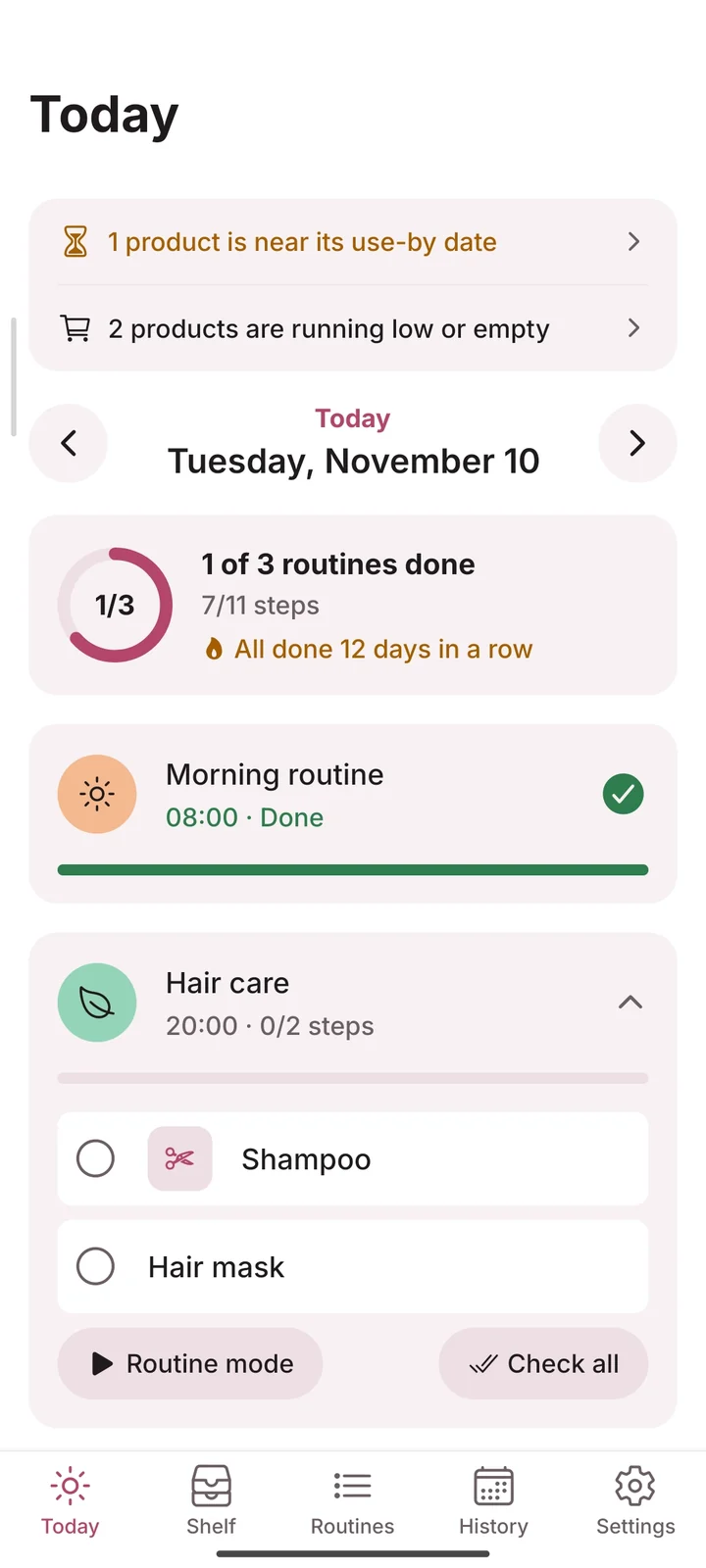
Five steps a morning,
none forgotten.
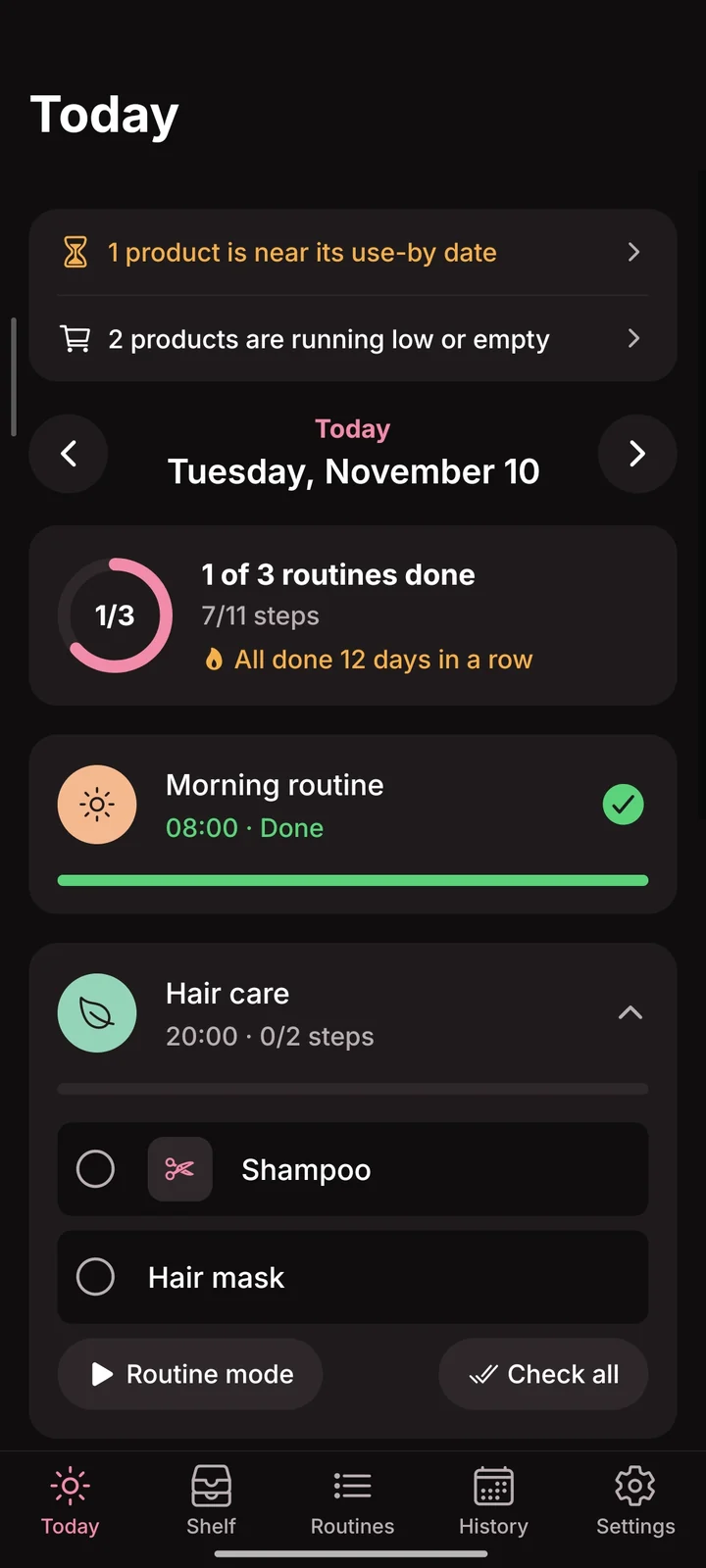
Morning, evening or a weekly mask: set up as many routines as you like. Link a product from your shelf to each step, or write your own, like “Cleanse”. When every step is checked, the routine is done and your streak grows by a day.
- Cleanse
- Toner
- Vitamin C serum
- Moisturizer
- Sunscreen
- Every day, the weekdays you pick, or “every 3 days”.
- Show a step like a mask only on the days you choose.
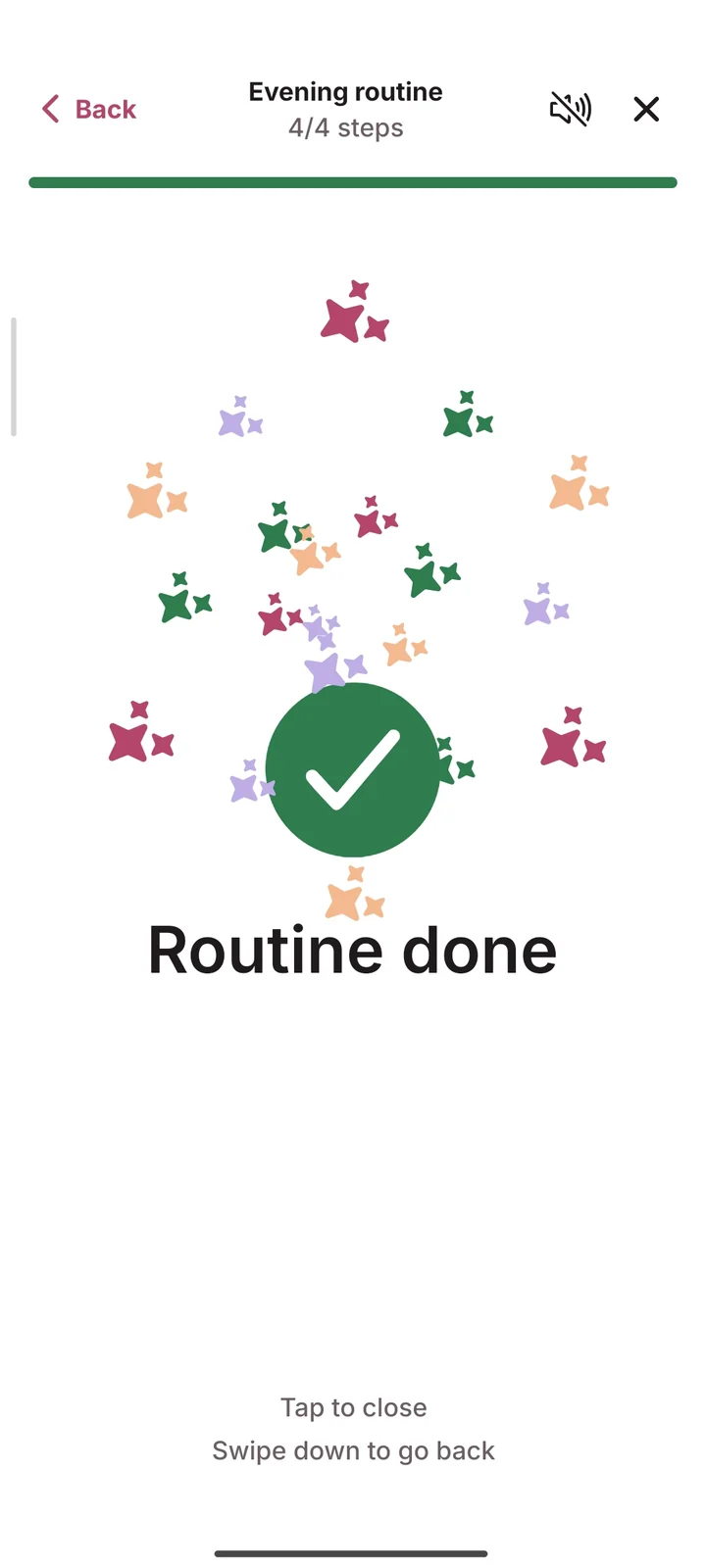
- Routine mode: steps come one at a time; tap anywhere on the screen to move on.
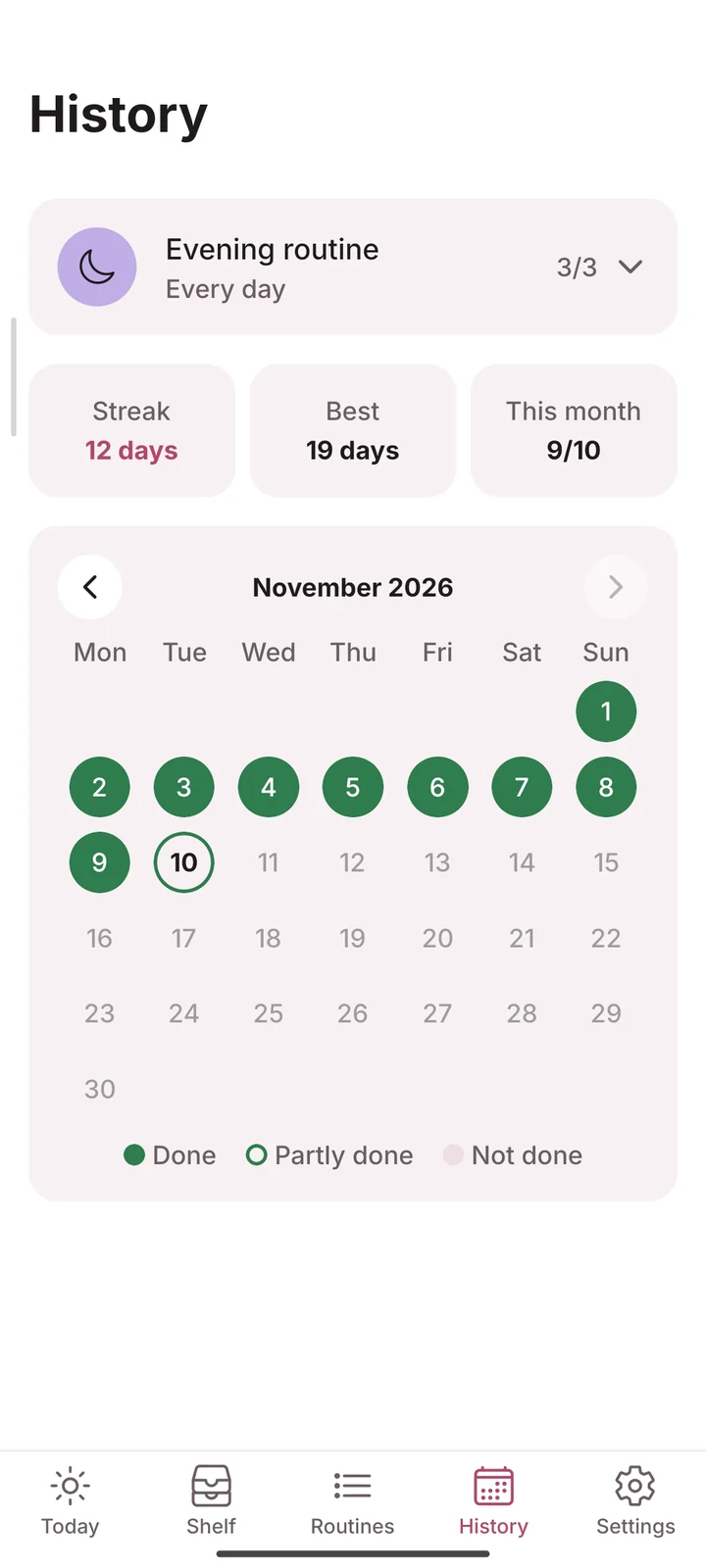
- A calendar and a streak for every routine; go back a day to check off a step you forgot.
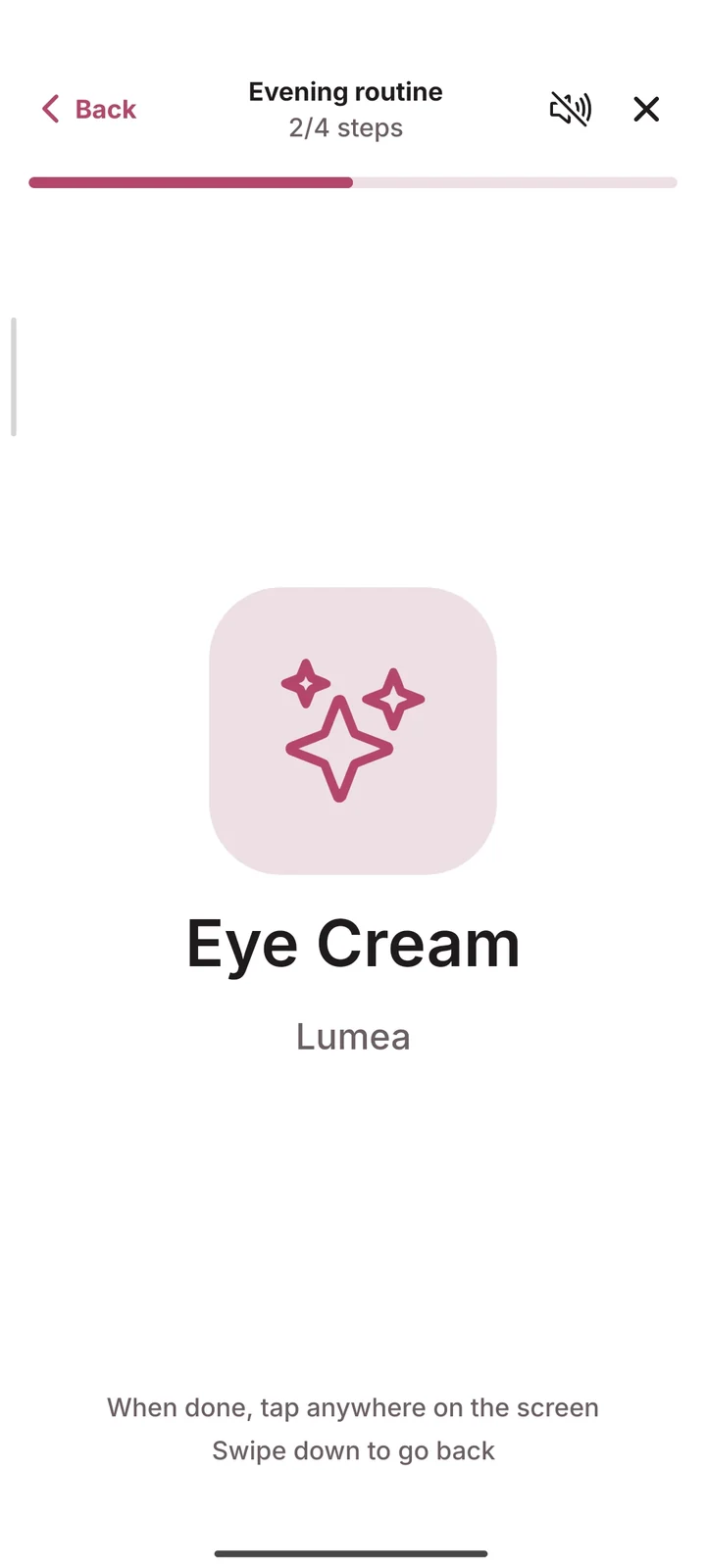
Cream on your hands?
Tap anywhere.
In routine mode the steps come one at a time, on a big screen. Tap anywhere to move to the next one; swipe down to undo the last. The screen stays on while routine mode is open.
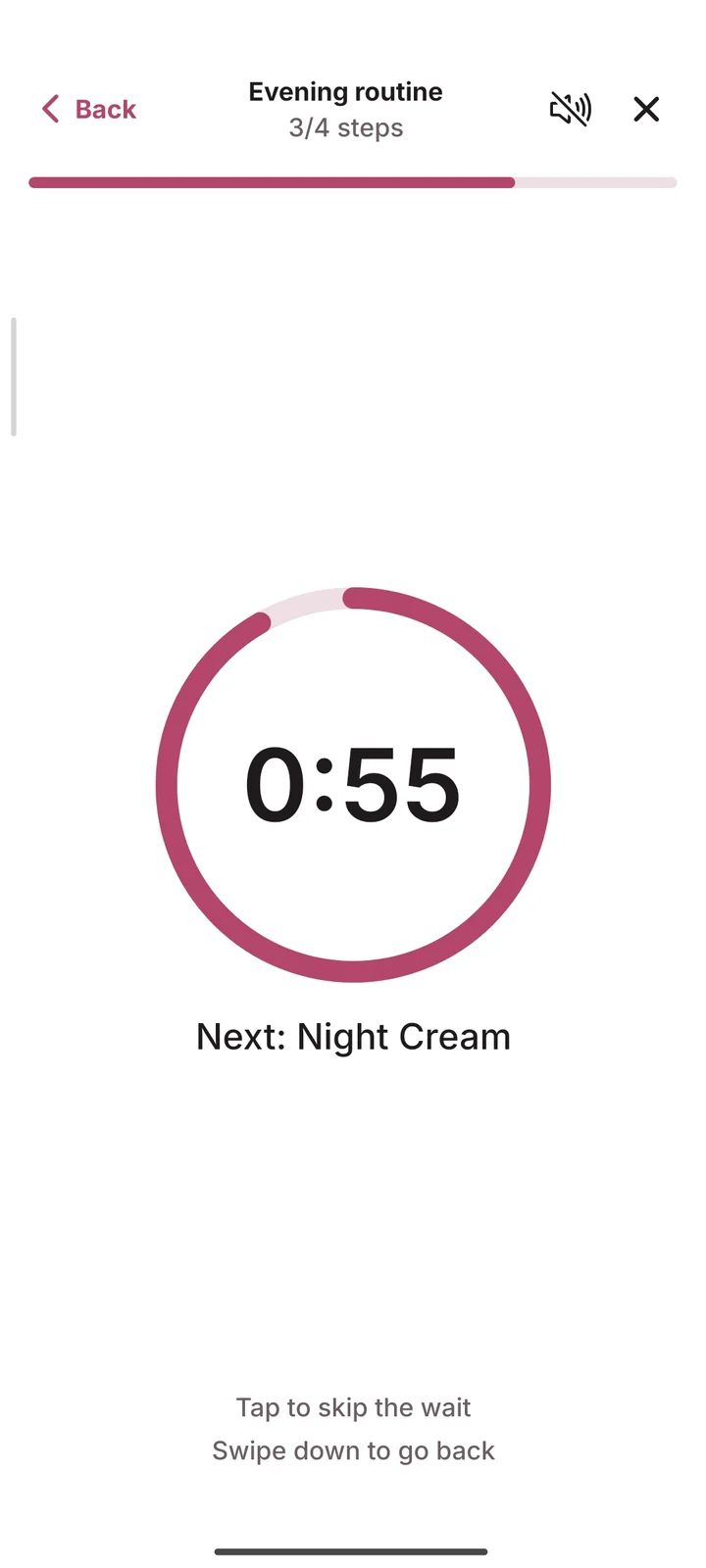
Add a wait after a step if you like; the phone vibrates when it is up. You can also have the steps read aloud.
What's low,
what's next.
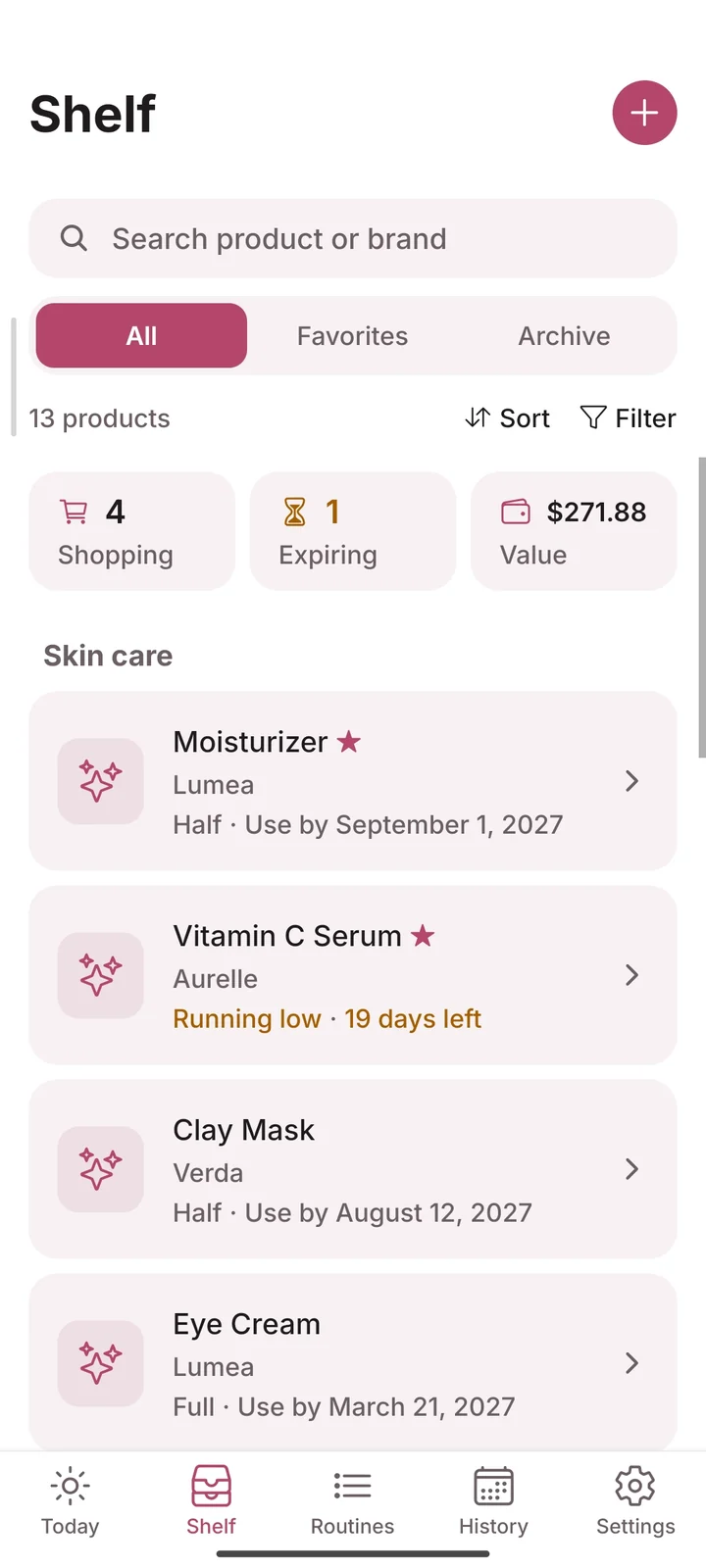
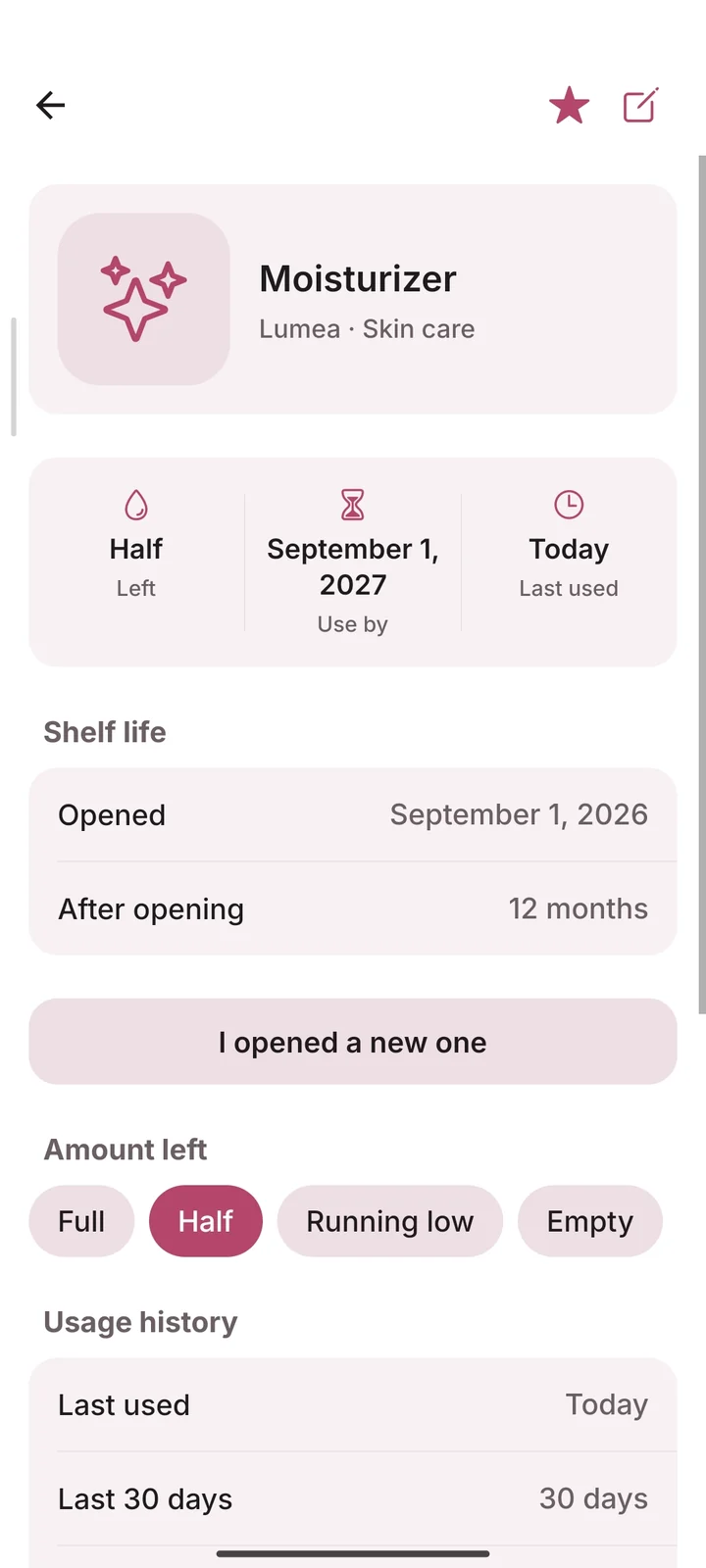
Line up your products by category: skin care, sun care, makeup, hair, body & bath, fragrance. Every product has its own story: when you last used it, how often in the last 30 days, and what it costs per use.
What does 12M on the jar mean?Twelve months after opening. Tap “I opened it” and Losia works out the use-by date; if the date on the box comes first, it goes by that.
You mark what's left; running-low products land on your shopping list by themselves.
Time for your
evening routine.
Losia lets you know at your routine time; answer “Done” or “Snooze” right from the notification. A short note also comes 30 and 7 days before a product's use-by date.
- Optionally, one more reminder half an hour or an hour later if the routine isn't checked.
- A weekly “running low” summary.
- Notifications are scheduled on the phone and never go online.
 Losia · now
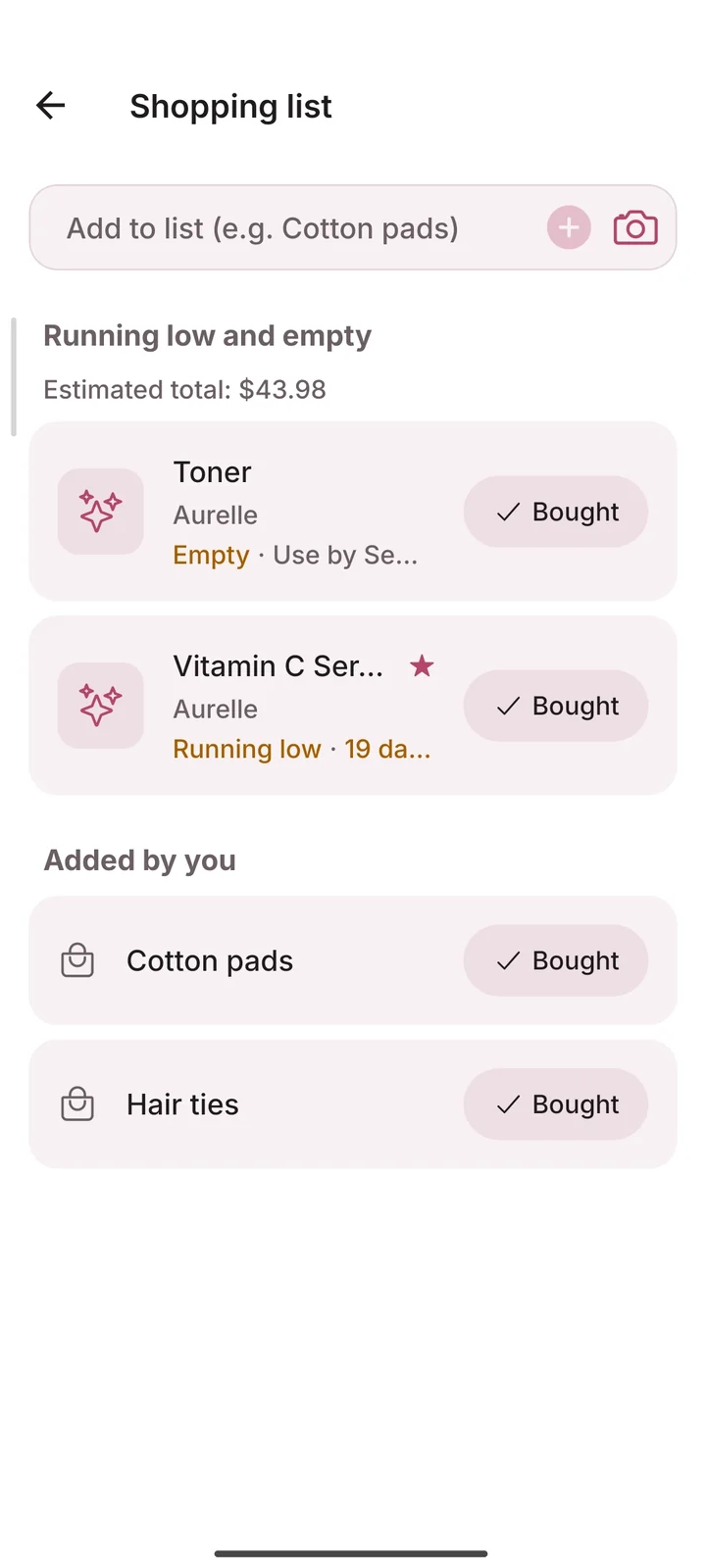
On the list
before it's gone.
Products running low or empty show up on your shopping list by themselves. Add anything else, like cotton pads, by typing it or taking a photo. Tap “Bought” and the product is refilled, or goes onto your shelf as a new one.
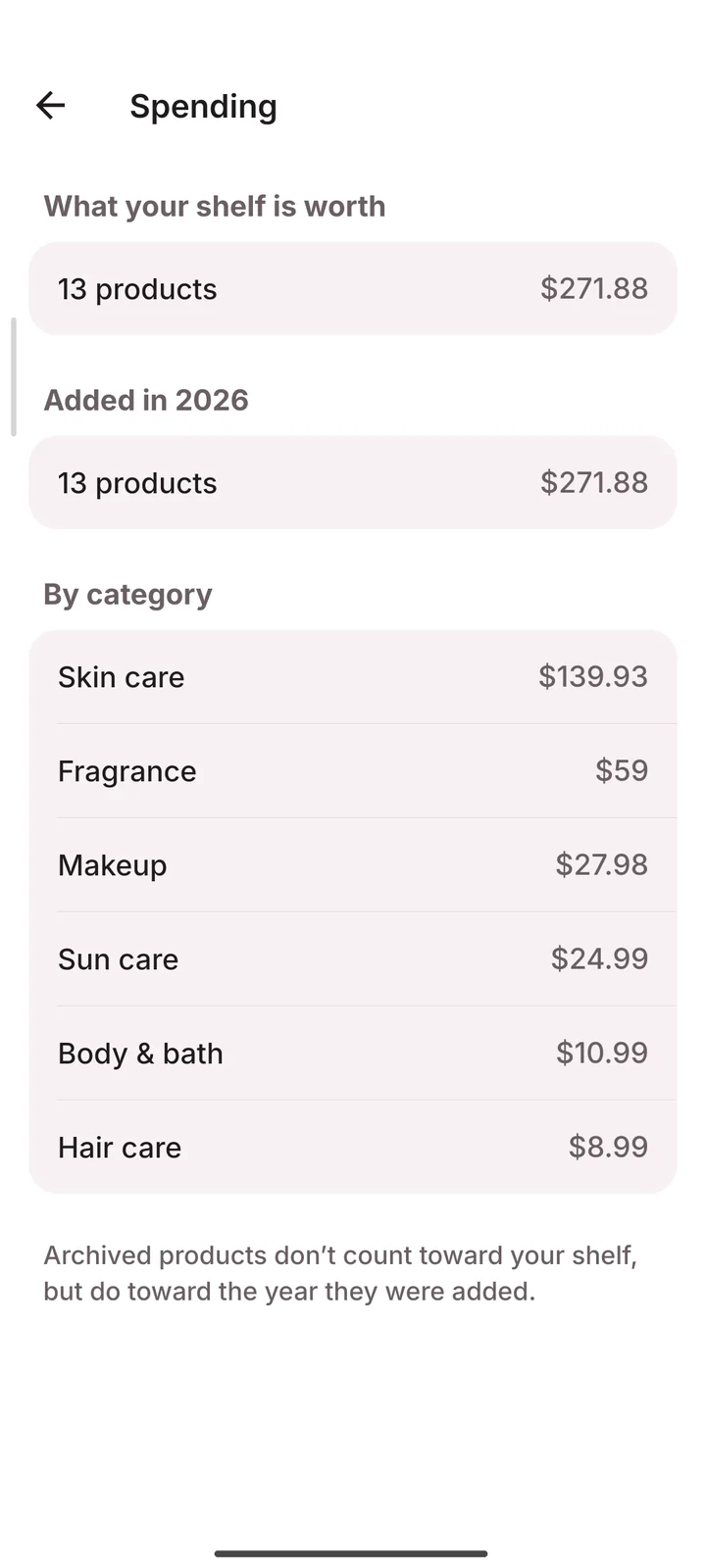
If you've entered prices, you also see an estimated total and what your whole shelf is worth.
Everything you enter stays on your phone.
Losia has no server. No account to open, nothing to sign in to. Changing phones? You create the backup file yourself and choose where it goes.
Read the full privacy policy- Servers
- Accounts
- Ads
- Analytics
- Subscriptions
Things you
might ask.
Does Losia cost anything?
Losia is free to download; routines, the shelf, reminders and the shopping list are free. There are no ads and no subscription.
Is it on iPhone?
Android only for now; it's coming to Google Play.
Do I need an internet connection?
No. Losia runs entirely on your phone, and reminders are scheduled on the phone too.
What happens to my data when I change phones?
Create a backup file in Settings › Backup and restore it on the new phone. You can also turn on the weekly automatic backup; Losia then saves a backup to a folder you choose once a week.
Does it assess my products' ingredients or my skin?
No. Losia is a notebook for your routine and your shelf: it keeps track of what you did and what runs out when. It doesn't read ingredient lists or assess photos.
Which languages?
English and Turkish. It follows your phone's language, and you can change it in Settings.